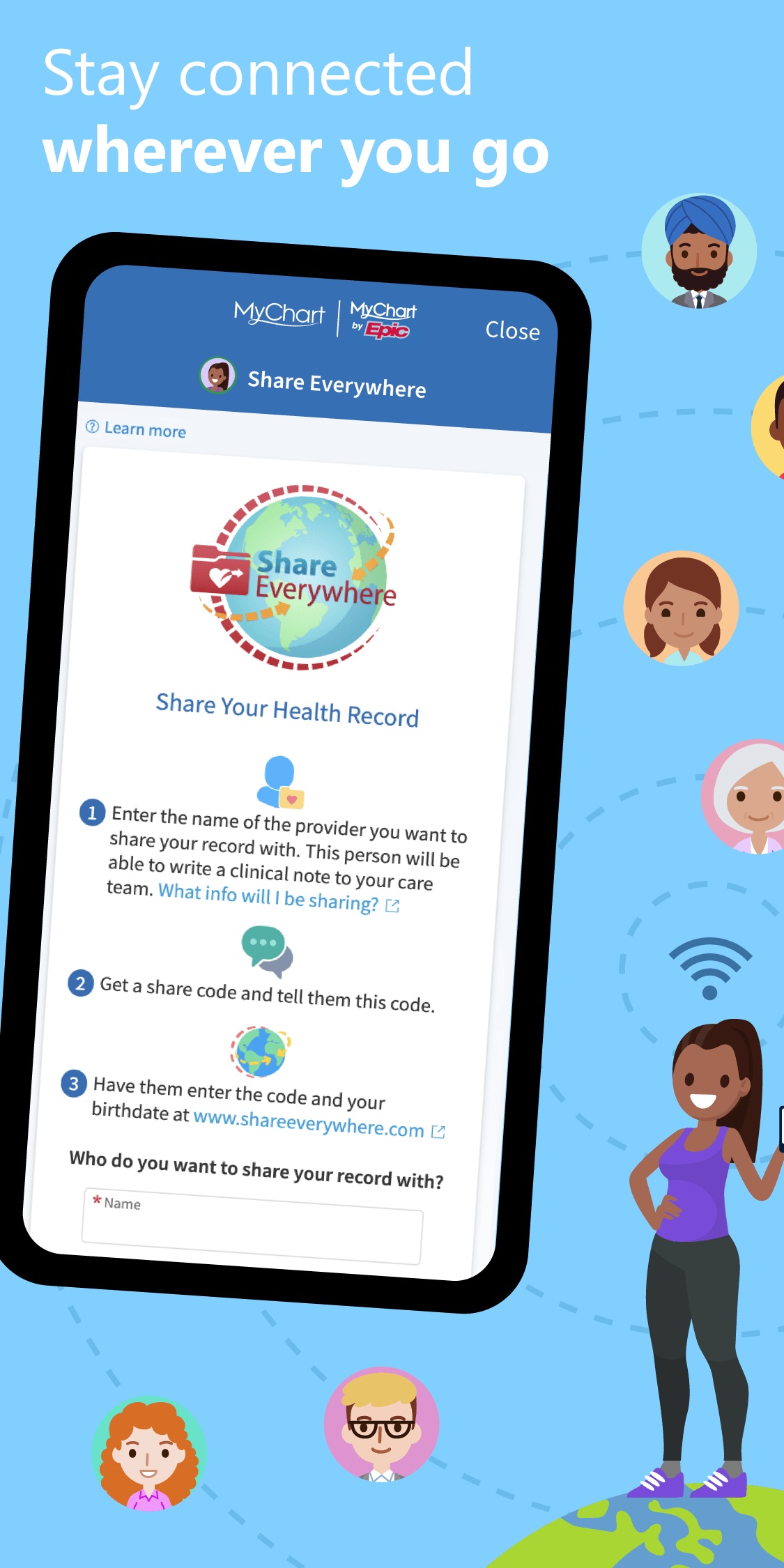
Stay connected to your care.
Westside Family Healthcare offers MyChart, a secure online patient portal that makes it easier to access your healthcare information and stay connected with your care team.
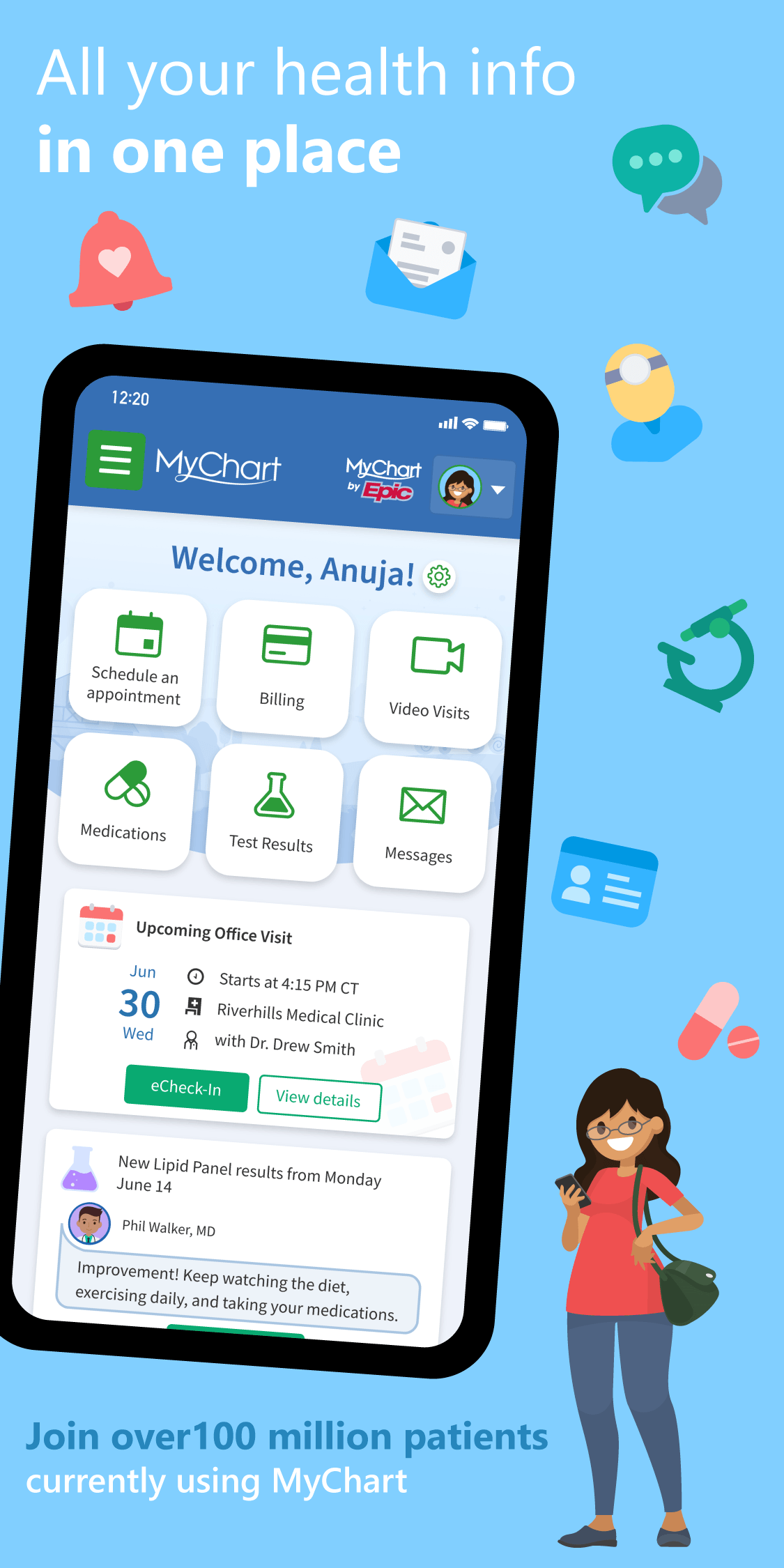
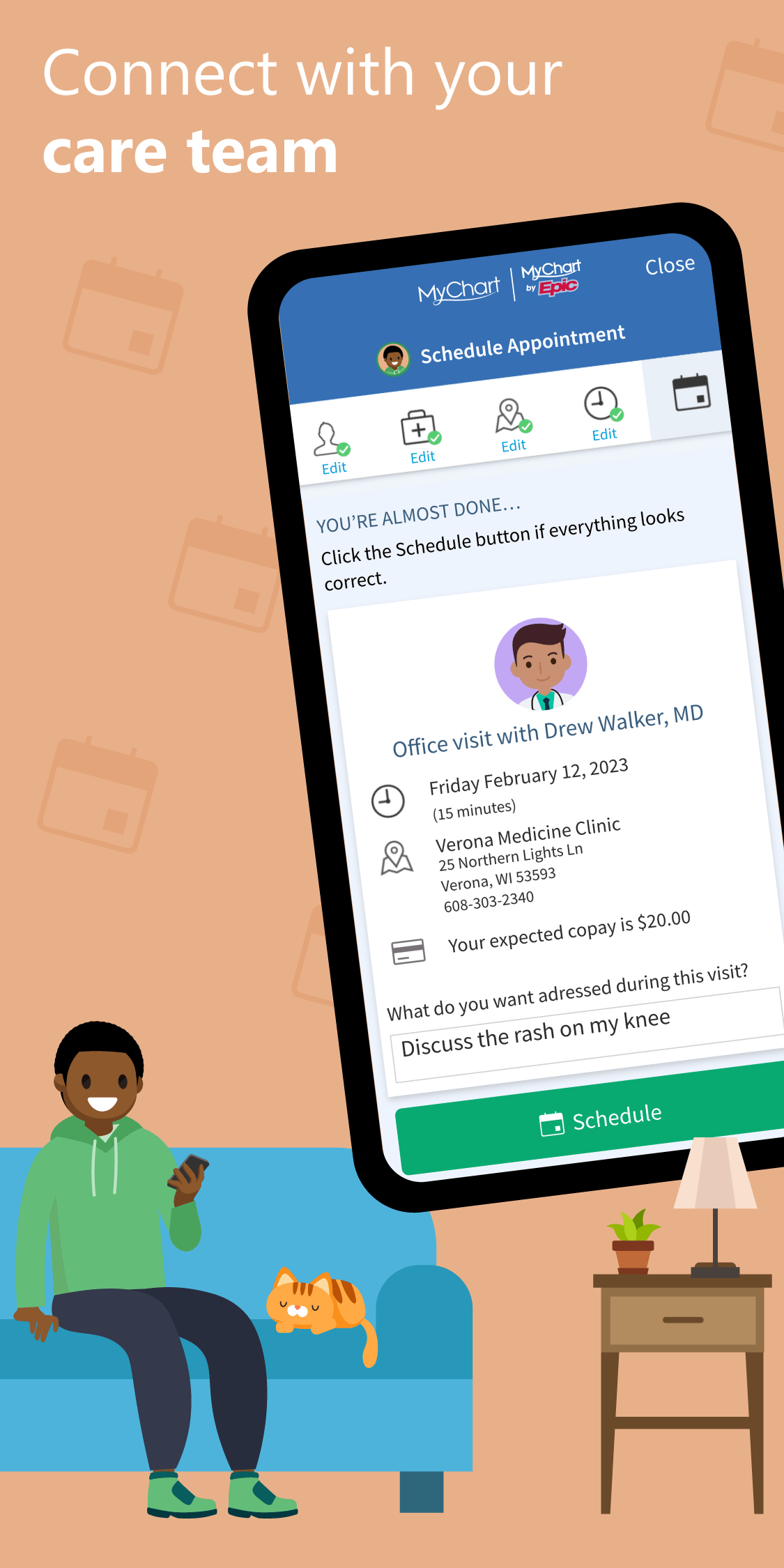
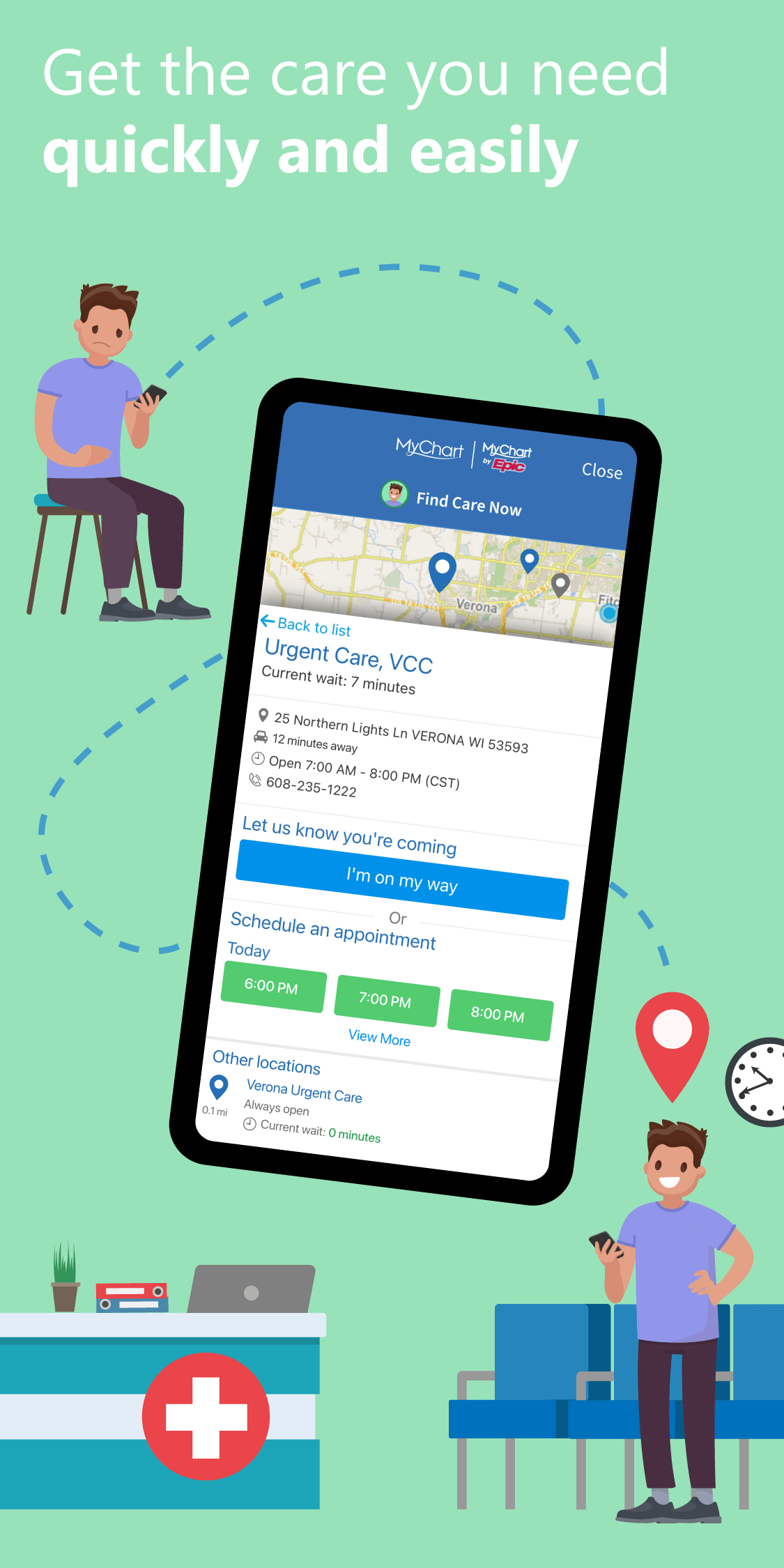
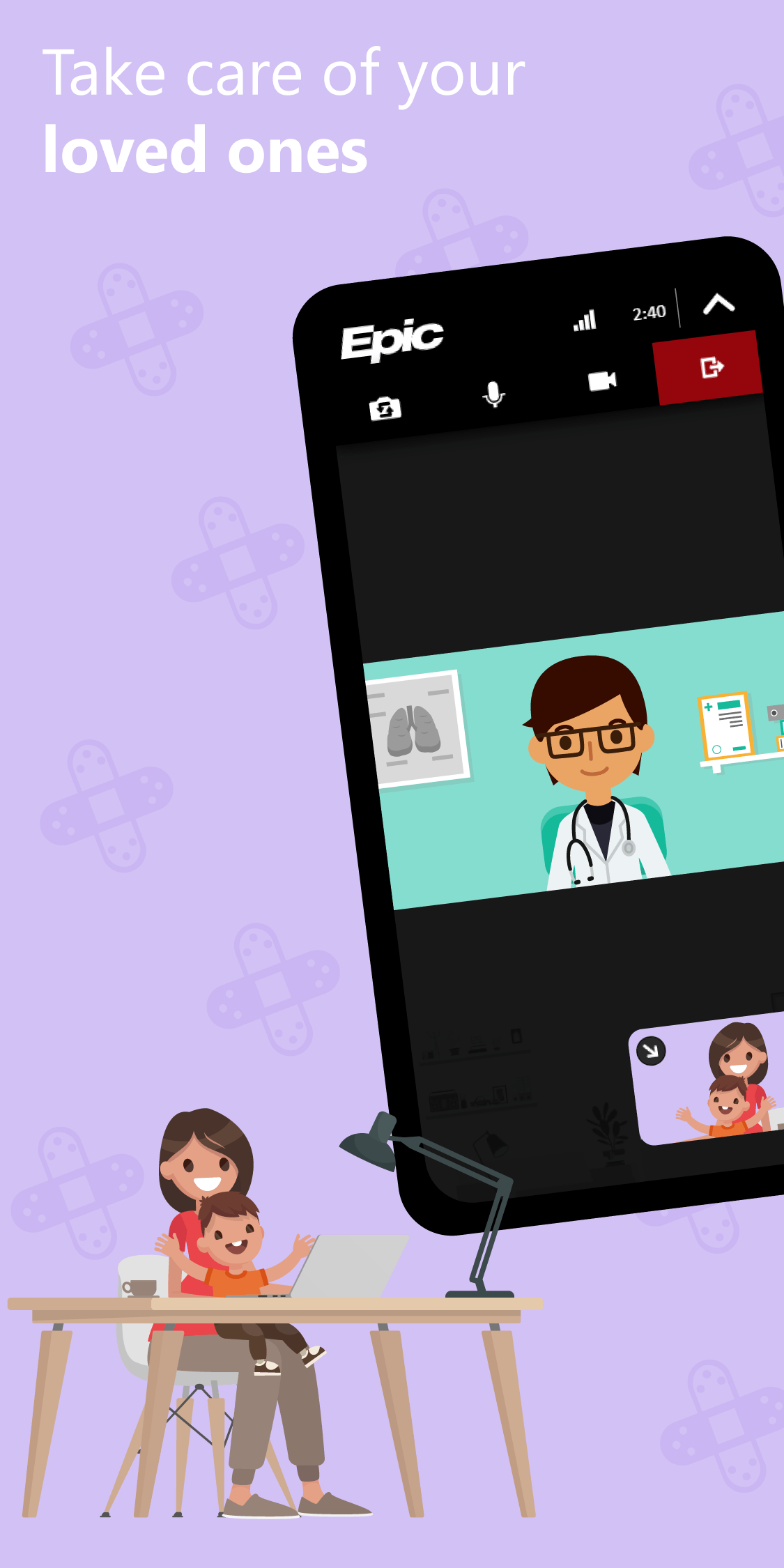
With MyChart, you can access your health information, manage appointments, communicate with your care team and more, all from your computer or mobile device.
How do I access MyChart?
MyChart is available online and through the MyChart mobile app.
Access MyChart online.
Visit mychart.ochin.org/mywestsideOpens mychart.ochin.org in a new tab to log in or create your account.
Use the MyChart app.
Download the MyChart app from the Apple App Store or Google Play. Once you download the app, search for Westside Family Healthcare to connect to your account.
Create your account.
Sign Up for MyChartOpens mychart.ochin.org in a new tab- 1
Visit MyChart.
Go to mychart.ochin.org/mywestsideOpens mychart.ochin.org in a new tab or open the MyChart app.
- 2
Select “Sign Up Now.”
Follow the prompts to begin creating your account.
- 3
Enter your information.
You will need your MyChart activation code, date of birth and other identifying information to verify your account. Your activation code can be found on your After Visit Summary.If you do not have an activation code, you can request one during your next visit to Westside.
- 4
Create your username and password.
Once your account is set up, you can log in to MyChart anytime.
What can you do with MyChart?
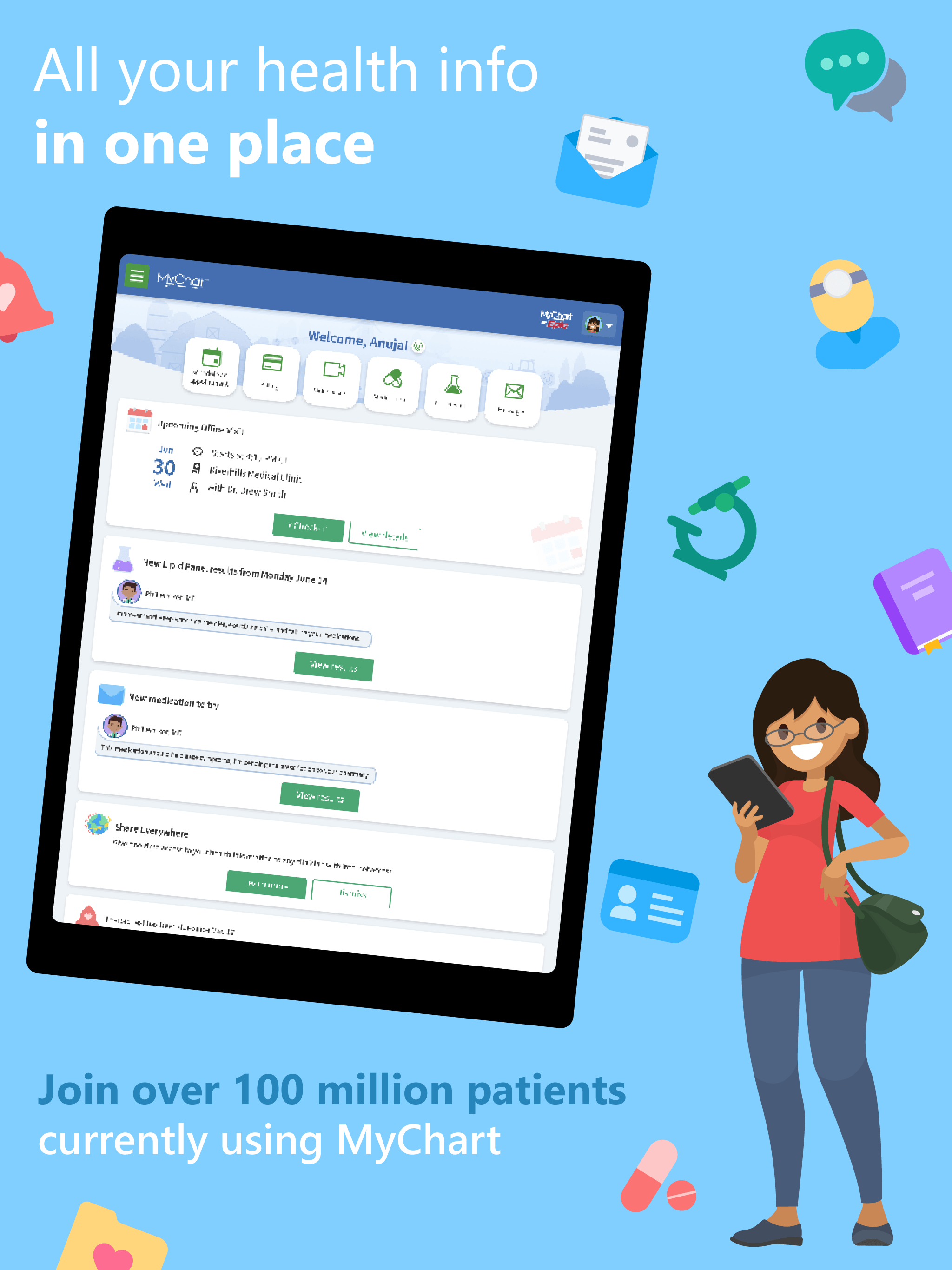
MyChart makes it easy to manage your healthcare in one place.
Frequently Asked Questions
Need help with MyChart?
Ask a member of the Westside team during your next visit, or email us for help creating or accessing your account.
mycharthelp@westsidehealth.org